NSFW Tools: Every Kind of Adult AI Tool and What You Can Make With It
A guide to NSFW AI tools in 2026 — image generators, video with sound, motion templates, free-text video, chat companions and character creators — and what each one lets you make.
Published · For adults 18+
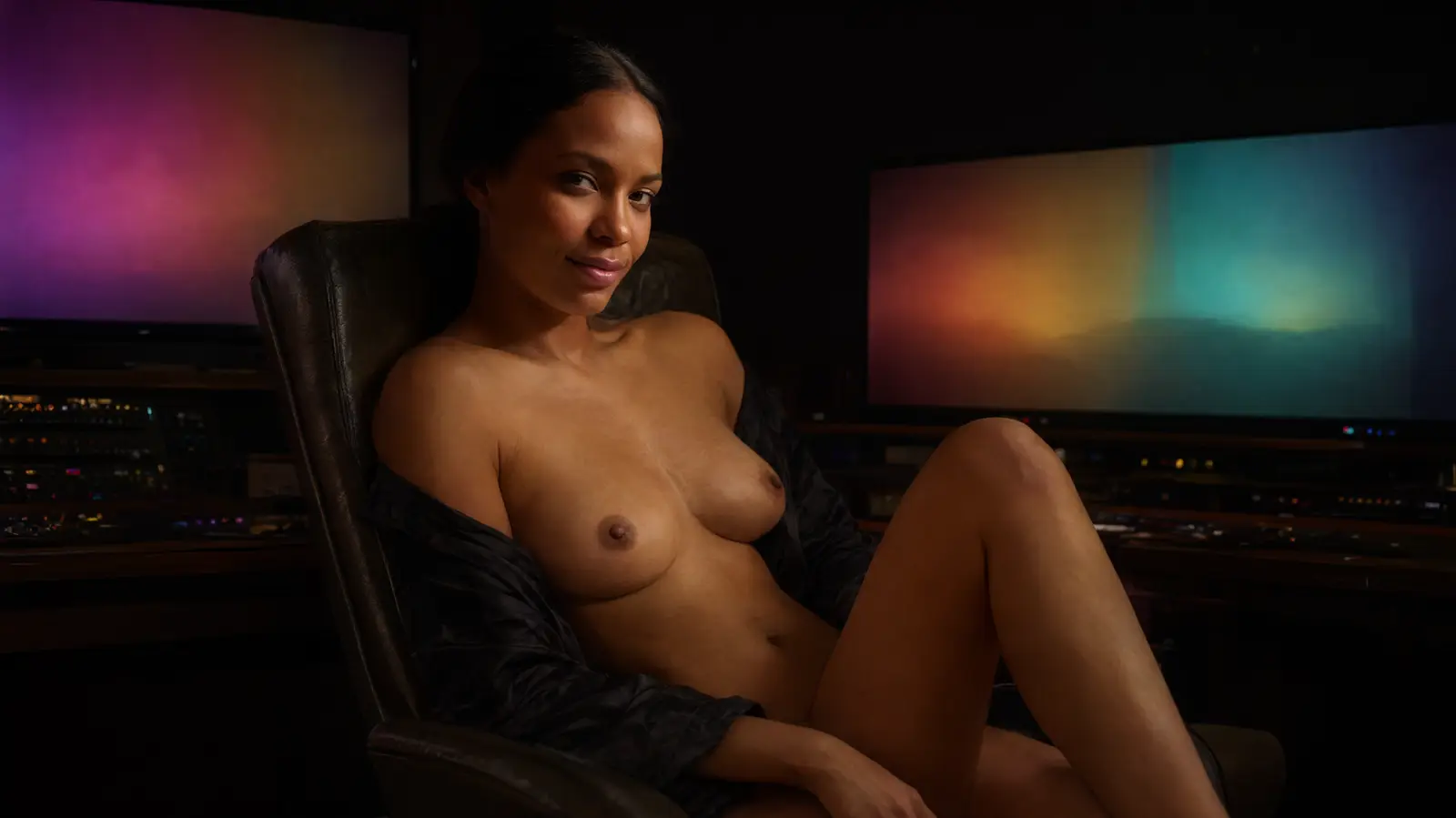
"NSFW tools" covers half a dozen different kinds of product that share a search term. A prompt-box image generator, a video model, a companion who sends pictures and a character builder each do something different, and knowing which one fits the idea in your head is most of the battle.
This is the map: what each kind of tool does, what it is best at, and how to get the most out of it. We make one of these tools, so where we describe our own, we say so and give the real numbers.
The six kinds of NSFW tool
Most adult AI products are one of these, or a bundle of several.
| Tool | What it does | Best for |
|---|---|---|
| Image generator | Turns a text prompt into a still image | Seeing an idea in seconds |
| Video generator | Animates a scene or a character into a clip, with sound | Motion — the moment, not just the pose |
| Motion templates | Pre-built actions applied to a character you pick | Great results without writing a prompt |
| Free-text video | Type the scene in your own words and get a clip | The fastest way from fantasy to video |
| Chat companion | A character who texts back and sends photos and video | Story, flirting, a relationship that continues |
| Character creator | Builds your own persistent character | Your exact type, kept consistent everywhere |
The best tools connect these: the character you build is the one you chat with, and the one in every photo and video you make.
Image generators: see it in seconds
A prompt box is the quickest NSFW tool there is. Describe a scene and get a picture: who she is, what she is wearing or not, where she is, the light, the angle. Specific beats clever — "red hair, white sheets, morning sun, looking over her shoulder" gets you there faster than a paragraph of adjectives.
The step up is generating from a character instead of from scratch, so the face you liked on Tuesday is the same face on Friday, in a new outfit and a new room.
- Pick the character first, then the outfit, then the scene.
- Change one thing at a time — outfit, room, pose — to explore a look.
- Style is a switch: the same woman in realistic, anime, 3D or painted art.
Video generators: motion, and now sound
Video is where this category has moved fastest. Current models hold a face and a body through the whole clip, follow a described action, and generate sound with the picture — breathing, sheets, the room — which makes a clip land in a way a still never does.
On nsfw.fun a 5-second video costs 10 keys and a photo costs 1. Longer clips scale the same way: 10 seconds is 20 keys. Audio is optional and off by default.
Motion templates: pick, don't prompt
A motion template is a video action that is already dialed in — a strip, a position, an effect — applied to the character you choose. Pick her, pick the motion, optionally pick an outfit and a room, and render.
The best of them are things no camera could film:
- Super Soaked — a water-gun blast turns her white shirt see-through.
- Growth Ray — one zap and her shirt can't keep up.
- Vanishing Charm — a flick of a wand and her clothes fade like a spell wearing off.
- Symbiote Suit — a living second skin crawls over her, then peels away.
- Melting Away — her outfit liquefies and slides off.
- Telekinesis — buttons pop and her clothes float across the room to you.
- Webcam Strip, Sunbathing, Outfit Clicker, Quick Flash and dozens of POV positions.
Free-text video: say what you want to see
The newest tool skips the menu entirely. Type the scene the way you would say it — "an elf is on her knees in a moonlit forest", "I bend a blonde over the counter and take her from behind", "doggy style with an alien" — and it works out who, where and what happens, then renders it.
This is the nsfw.fun homepage: one box, and a wall of what it has made. When you want finer control, Open Studio takes you to the full studio.
Chat companions: she texts back, and sends pictures
A companion is a character who keeps the conversation going and sends photos and video from inside it. Because the picture comes from the conversation, what she is wearing in the chat is what she is wearing in the photo — and when the story heats up, so does what she sends.
You can start without an account: four replies with anyone on the roster, enough to see how she writes and how she flirts.
Character creators: your type, made real
A creator builds a persistent character from your choices, step by step: realistic or anime, what she is — human, elf, dark elf, demon, succubus, angel, vampire, alien, catgirl, fox girl, slime girl, or anything you describe — then hair, eyes, build and personality.
She is generated once as an identity reference, and every photo, chat and video after that is built from it, so the tenth picture and the third video are recognisably the same woman.
How to get the most out of any NSFW tool
A few habits that make every tool in this post better.
- Start with the character, not the scene. Everything else hangs off her.
- Use a template the first time you try video, then go free-text once you know what you like.
- Turn the sound on. It is the biggest single upgrade to a clip.
- Save favorites as you go, so you can remix a look later instead of rebuilding it.
- Mix styles: the same character in anime and realistic is two different fantasies for the price of one idea.
What nsfw.fun includes
A chat companion, a character creator, an image generator, motion templates and free-text video in one place, all built around the same characters — so the woman you text is the woman in the clip.
Start free with four chat replies and no account. Sign up for fifteen keys — fifteen photos, one video plus five photos, or any mix — with no card. Premium is $19.99 every 30 days or $149.88 a year, with keys refilled to 100 each month.
Frequently asked questions
What are NSFW tools?
AI tools for making adult content: image generators, video generators, motion templates, free-text video, chat companions that send photos, and character creators. nsfw.fun includes all of them, built around the same characters.
What is the best NSFW AI tool for video?
One that keeps your character consistent, follows the action you describe, and generates sound with the picture. On nsfw.fun you can pick a motion template or just type the scene you want.
Can I try NSFW AI tools for free?
Yes. On nsfw.fun you can chat with any character for four replies without an account, and signing up gives you ten keys — enough for ten photos or one video.
Do NSFW AI videos have sound?
They can. Audio is optional and off by default, so you choose when a video should include the room, the breathing, and the moment.
Can I make my own character?
Yes. The creator walks you through style, species, look and personality, then keeps her consistent across chat, photos and video.